> For the complete documentation index, see [llms.txt](https://document.tek-labs.app/free-gift-userguide/llms.txt). Markdown versions of documentation pages are available by appending `.md` to page URLs; this page is available as [Markdown](https://document.tek-labs.app/free-gift-userguide/user-guides/upsell-offers/you-may-also-like.md).
# You May Also Like
Show product recommendations in the cart and encourage customers to add one more item.
You May Also Like shows recommended products in the cart drawer, on the cart page or on the product page. Customers add them with one click, optionally at a discount.
{% hint style="info" %}
Turn on the **You May Also Like** app embed in your theme. See [Enabling Tek Labs app](/free-gift-userguide/getting-started/enabling-tek-labs-app.md).
{% endhint %}
The editor has two steps: **1. Offer** and **2. Display**.
## Step 1 · Offer
### Offer information
**Offer name**: for your reference only.
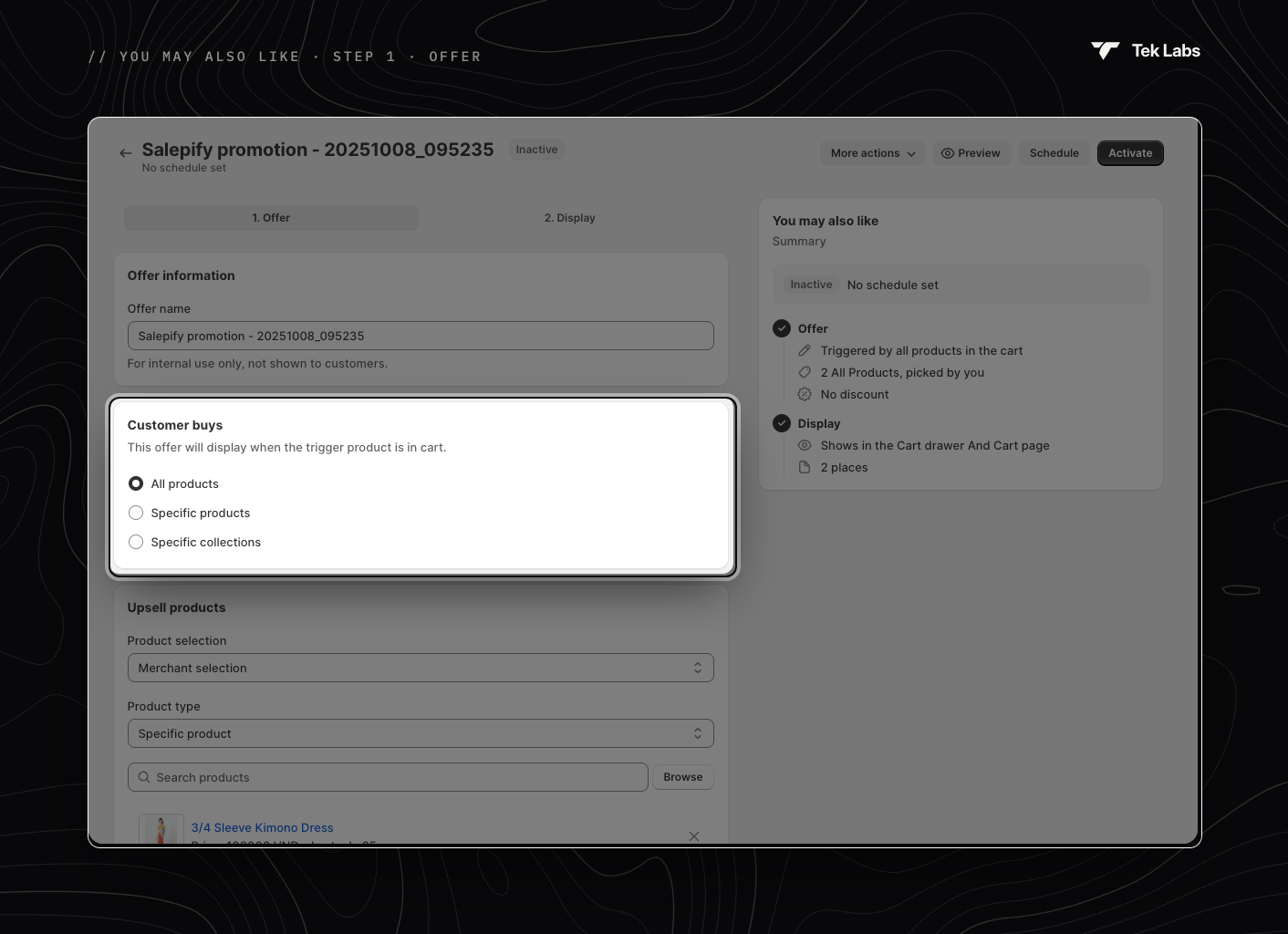
### Customer buys
The widget appears when a trigger product is in the cart.
* **All products** (default): any product in the cart triggers the widget.
* **Specific products**: only the products you select.
* **Specific collections**: products from the collections you select.
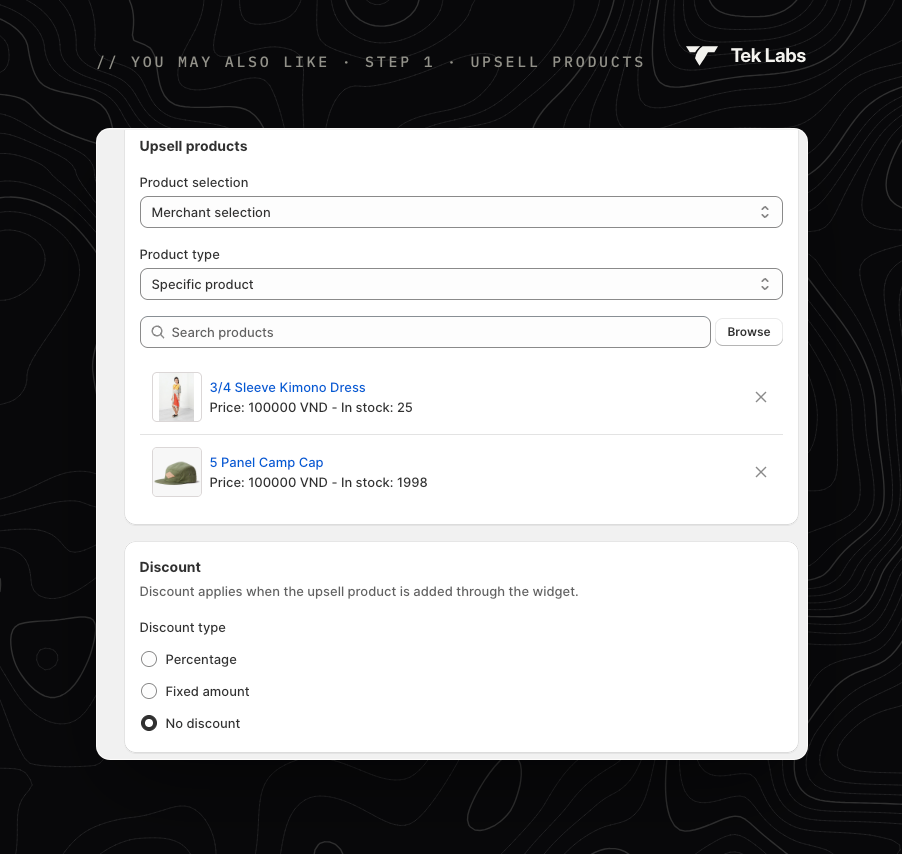
### Upsell products
**Product selection**:
* **Merchant selection** (default): you choose what to recommend. Under **Product type**, pick **Specific product** or **Specific collection**. Products appear in the order you select them.
* **Shopify recommendation**: Shopify picks the products. Choose a **Recommendation intent**:
* **Related products**: similar items, generated automatically by Shopify.
* **Complementary products**: items that pair well with what's in the cart. You set these up in Shopify's **Search & Discovery** app.
### Discount
The discount applies only when the product is added through the widget.
* **Percentage**: a percentage off the product (up to 100%).
* **Fixed amount**: an amount off in your store currency.
* **No discount** (default): the product is added at full price.
## Step 2 · Display
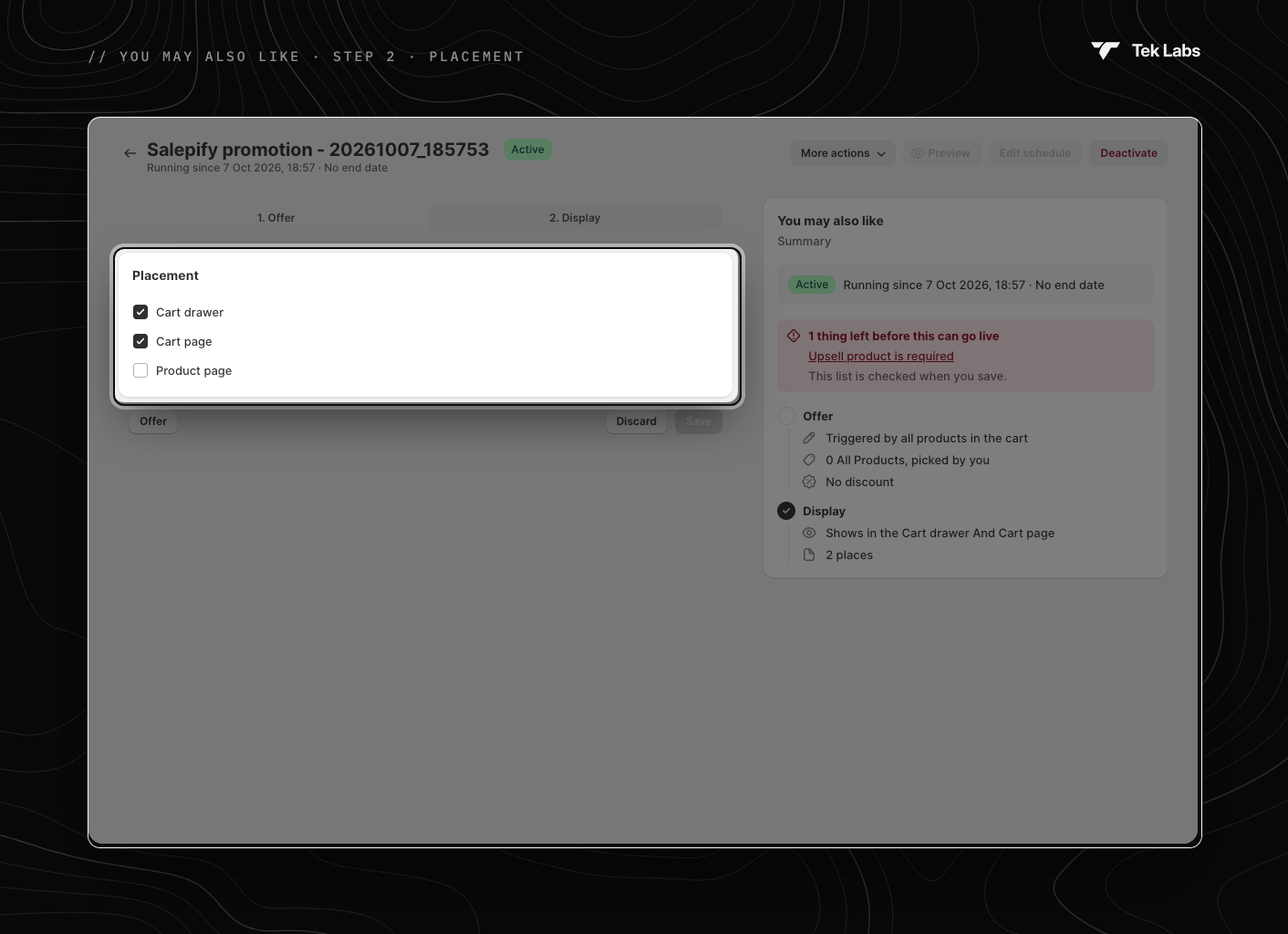
**Placement**: show the widget in the **Cart drawer** (default), on the **Cart page** (default) and/or on the **Product page**. Pick at least one.
To change how the widget looks, use **More actions › Edit widget style** ([Styling › Product Selector](/free-gift-userguide/user-guides/styling/product-selector-type.md)). To change its texts, use **Edit default text** ([Translations](/free-gift-userguide/user-guides/translation.md)).
## Go live
Save, check the Summary, then use **Activate** or **Schedule**. See [Managing offers](/free-gift-userguide/getting-started/managing-offers.md).