> For the complete documentation index, see [llms.txt](https://document.tek-labs.app/free-gift-userguide/llms.txt). Markdown versions of documentation pages are available by appending `.md` to page URLs; this page is available as [Markdown](https://document.tek-labs.app/free-gift-userguide/introduction/readme.md).
# What we do
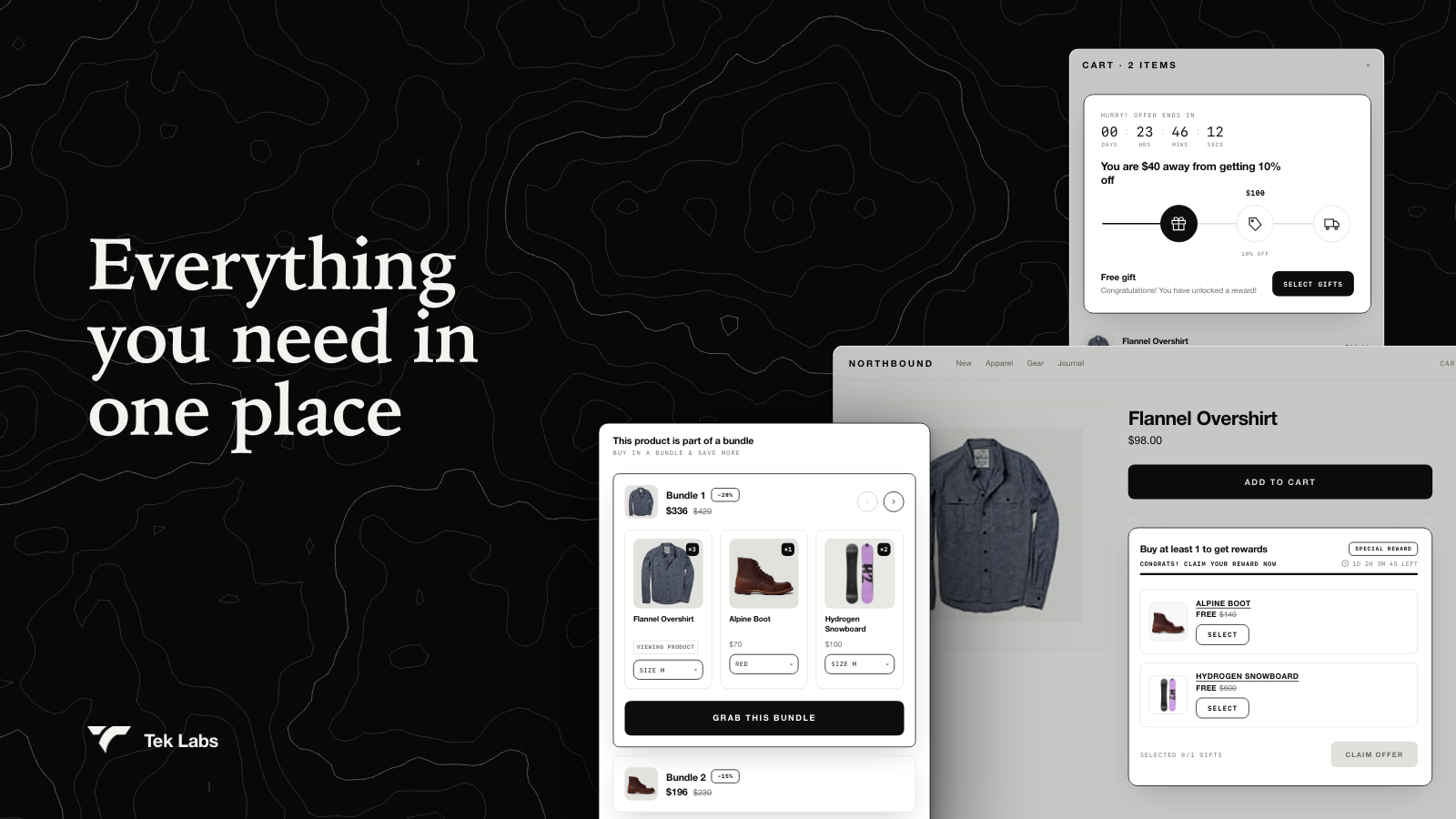
Free gifts, progress bars, bundles and upsells for Shopify, managed from one app.
**Tek Labs Gifts & Upsell** (shown as **Salepify** inside the app) helps you raise average order value with free gifts and upsell offers. You set the rule once, and the app shows the offer on your storefront, adds the reward to the cart and applies the discount through Shopify.
## What you can build
| Offer | What the shopper gets |
| ---------------------------------------------------------------------------------------- | ----------------------------------------------------------------------------------------------------------------------------- |
| [Free gift](/free-gift-userguide/user-guides/gift-offers/free-gift.md) | A free or discounted gift when the cart reaches a value, an item count, or on every order. BOGO and Buy X get Y are included. |
| [Progress bar](/free-gift-userguide/user-guides/gift-offers/progress-bar-type.md) | Up to 6 milestones that unlock gifts, cart discounts or shipping discounts as the cart grows. |
| [Gift discount code](/free-gift-userguide/user-guides/gift-offers/gift-discount-code.md) | A gift unlocked by a Shopify discount code entered in the cart. |
| [Volume discount](/free-gift-userguide/user-guides/upsell-offers/volume-discount.md) | A lower unit price, or a free gift, when buying more of the same product. |
| [Product bundle](/free-gift-userguide/user-guides/upsell-offers/product-bundle.md) | A set of products sold together at one price. |
| [You may also like](/free-gift-userguide/user-guides/upsell-offers/you-may-also-like.md) | Product recommendations in the cart, with an optional discount. |
Every widget can be restyled to match your brand in [Styling](/free-gift-userguide/user-guides/styling.md), and every storefront text can be edited or translated in [Translations](/free-gift-userguide/user-guides/translation.md).
## Get started in three steps
{% stepper %}
{% step %}
### Create an offer
Open **Offers › Create** and pick a template. See [Managing offers](/free-gift-userguide/getting-started/managing-offers.md).
{% endstep %}
{% step %}
### Turn on the widget in your theme
Enable the matching app embed so the offer can appear on your store. See [Enabling Tek Labs app](/free-gift-userguide/getting-started/enabling-tek-labs-app.md).
{% endstep %}
{% step %}
### Check that it works
Run **Validate offer**, then add eligible products to the cart on your storefront.
{% endstep %}
{% endstepper %}
{% hint style="info" %}
Need a hand? Chat with us from the app (**Dashboard › Support channels › Live chat**) or email ****.
{% endhint %}